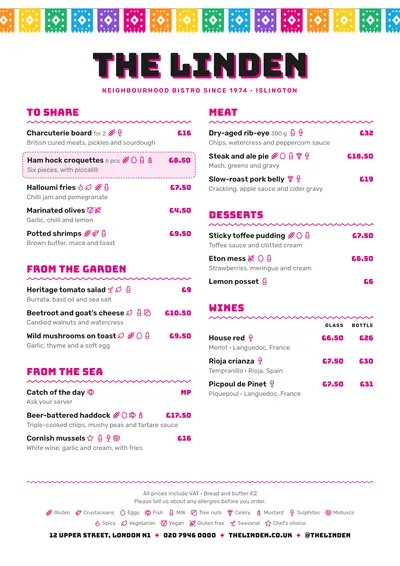
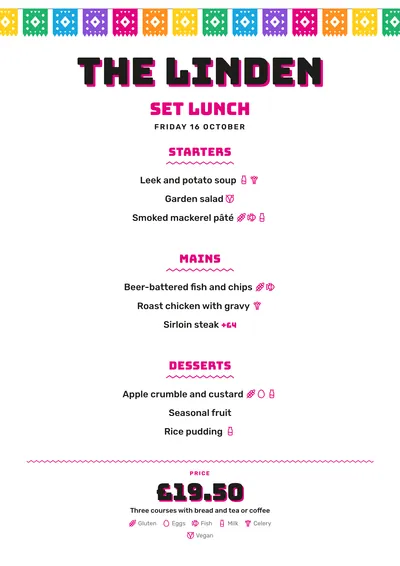
Papel picado and Bungee
Taquería hangs a garland of papel picado along the top of the page: cut-paper bunting in pink, yellow, green, purple, orange and blue, like at a Mexican fiesta. The venue’s name is set in Bungee, a heavy, square sign-writer’s face, in black with an offset magenta shadow.
Section titles are in magenta Bungee with a zigzag underneath. Dishes are set in Rubik, a sans serif with softened corners, with prices also in magenta Bungee. A featured dish is boxed in with a dashed magenta line, and another zigzag separates the footer.
The menu it suits
Taco bars, Mexican restaurants, cantinas and street food stalls. Mexican names look great as they are (al pastor, cochinita pibil, tinga); explain in the description only what your guests won’t already know. Pieces per serving go in small type next to the name.
If you sell single tacos and plates of three, use two price columns with headings (“1 pc”, “3 pcs”). And mark spicy dishes with their icon: it is the question asked most often at the table.
Formats where it shines
- Two-column A4: the full menu.
- A3 poster or 16:9 screen: at the counter, with the tacos in full view.
- 4:5 post: to announce the daily menu or the taco of the week.
- Daily menu: the garland at the top, the title in magenta and the price large at the bottom.
If you like the colour but your food isn’t Mexican, look at Memphis or Feria.
Tips to get the most out of it
- Organise by type (tacos, quesadillas, to share, drinks) and put the pieces per serving next to the name (3 pcs).
- Mark spicy dishes with their label: it has its own icon next to the dish and is explained in the key at the bottom.
- The magenta accent can be changed; the garland keeps its colours because it is purely decorative.
- For the counter, a 16:9 screen or an A3 poster with the tacos in full view.
Colours, fonts, columns and format can all be changed in the editor without losing the design. It works on A4, US Letter, slim A4, A5, booklet, tri-fold, A3 and images for social media.
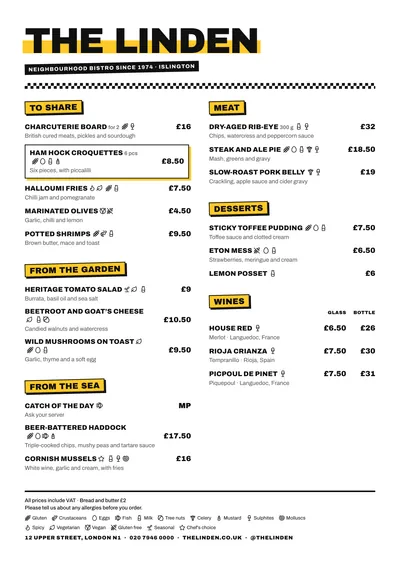 Block
Block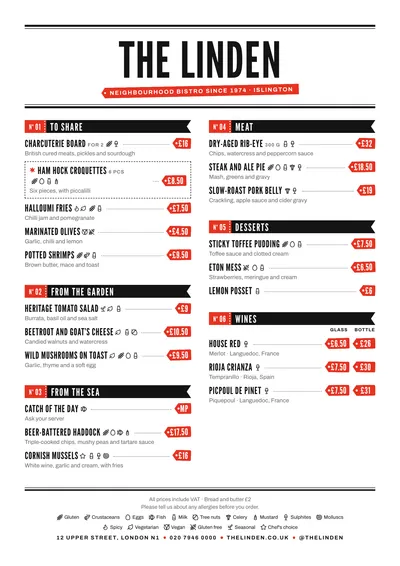 Market
 Diner
Diner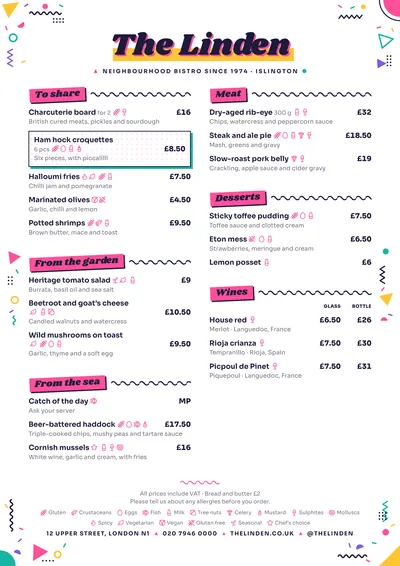 Memphis