Outline icons to print in a single ink, and colour circles for screens and social media. In SVG and as 512 px PNGs with a transparent background.
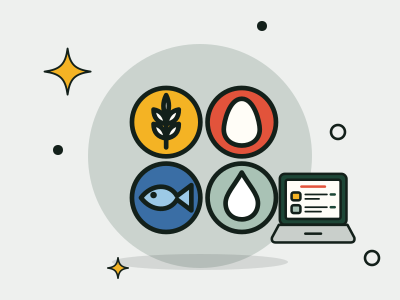


If you would rather not place them by hand, MenuDesign marks the allergens on your menu with icons, numbers or names, adds the key at the bottom and gives you the allergen matrix as a PDF. To work out what to mark on each dish, go through the 14 allergens one by one and the guide to allergens on menus.
Yes, they are free for your menu, your website, your venue and your social media, with no need to ask. Some of the drawings are based on Lucide, under the ISC licence; the licence note is inside the ZIP.
SVG if you are laying out the menu yourself (Word, Canva, Illustrator…): it scales without losing quality and you can change its colour. PNG if you only need to paste the image in: they are 512 × 512 px with a transparent background.
Add the key too: each icon with the allergen’s name, at the bottom of the menu or in the allergen matrix. Not everyone recognises the drawings, and the name removes any doubt.